Download the LeadConnector App
Run your gym from your phone. Scan the QR code below or tap your app store to install the mobile app, log in with your Leadflow credentials, and reply to every new lead in under 60 seconds.
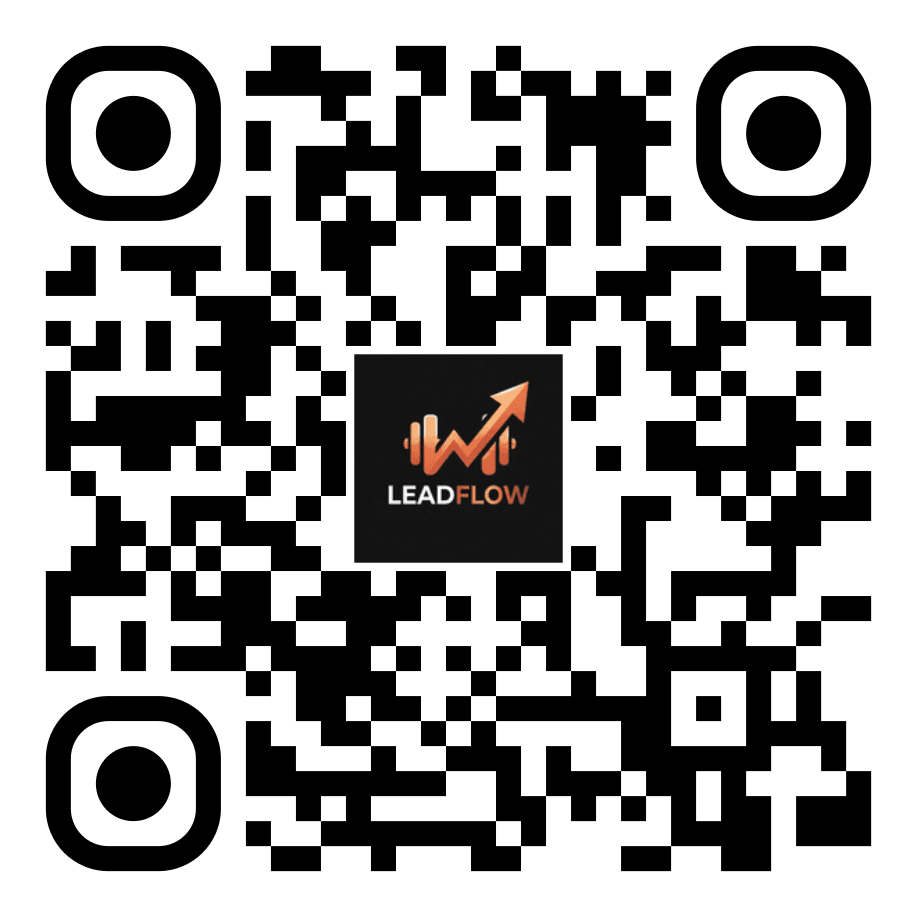
Point your phone camera at the QR code to install
Available on iOS & Android
Prefer direct download? Tap either button below to open the LeadConnector app on the Apple App Store or Google Play Store.
Everything you need to work leads from anywhere
Instant Push Notifications
Know the second a new lead fills out a form or texts your gym so you can reply in under 60 seconds.
2-Way Texting & Calling
Call and text leads using your dedicated gym business number, keeping your personal cell private.
Unified Messaging Inbox
Instagram DMs, Facebook messages, SMS, and website chat all consolidated into one clean conversation feed.
Calendar & Bookings
Check your day's schedule, view upcoming trial sessions, reschedule appointments, and book new calls on the fly.
Pipeline & Deal Stages
See where every prospect sits from 'Needs a Call' to 'Appointment Booked' to 'Sold' without opening a laptop.
Request Payments
Send quick payment links directly via text or email while chatting with a walk-in or new member.
Quick 3-step setup guide
- 1Download the app: Scan the QR code above or search for "LeadConnector" in the App Store or Google Play Store.
- 2Log in: Use the exact same email and password you use to log into your Leadflow account.
- 3Enable notifications: Allow push notifications and microphone access so you can receive incoming calls and instant lead alerts.
App FAQ
Common questions about the mobile app
Everything you need to know about setting up and using the LeadConnector app with your Leadflow account.
Need a Leadflow account?
See how Leadflow runs your gym on autopilot
Book a free 30-minute audit walkthrough. We'll show you how the website, local SEO, and mobile app work together to drive new members to your gym.
No commitment. 30-minute live walkthrough. Built around your gym.